


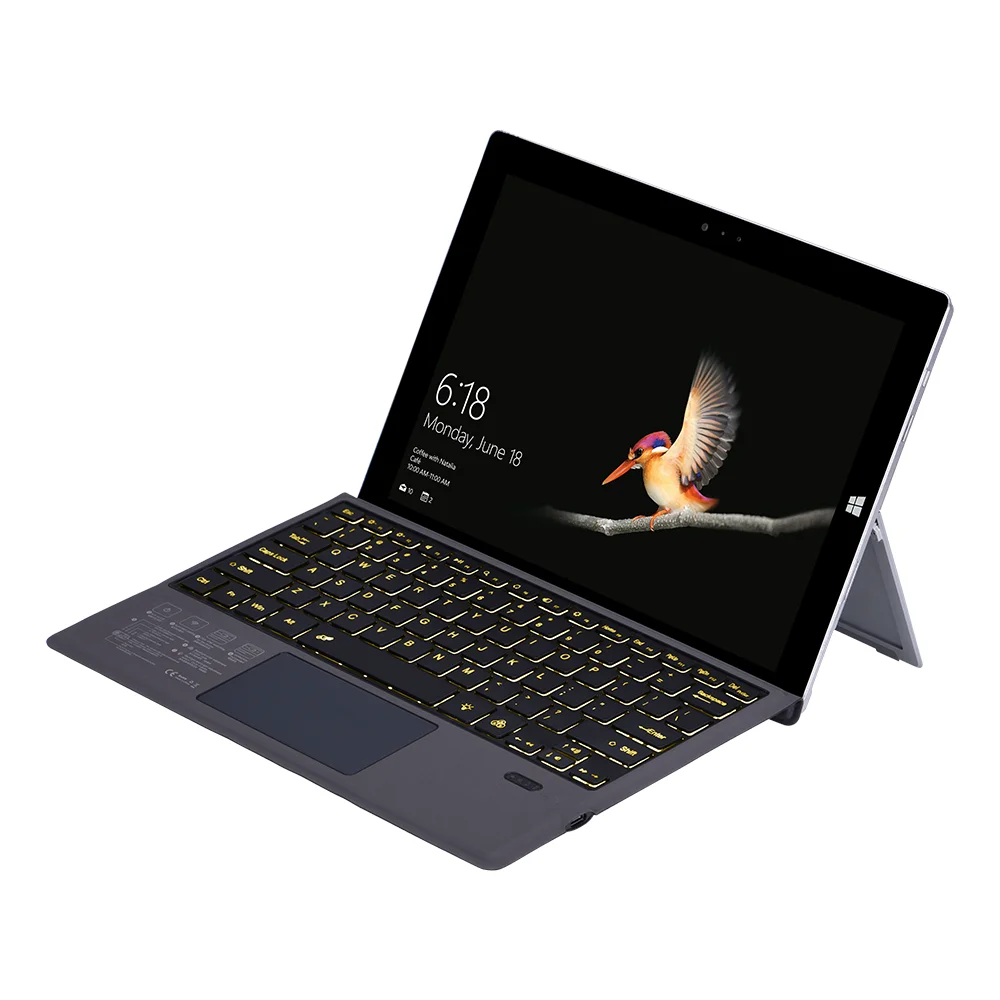
Applicable model: Microsoft 12.2 inch surface Pro3 / pro4 / pro2017 / pro6 / pro7
Product size: 295 * 220 * 5mm
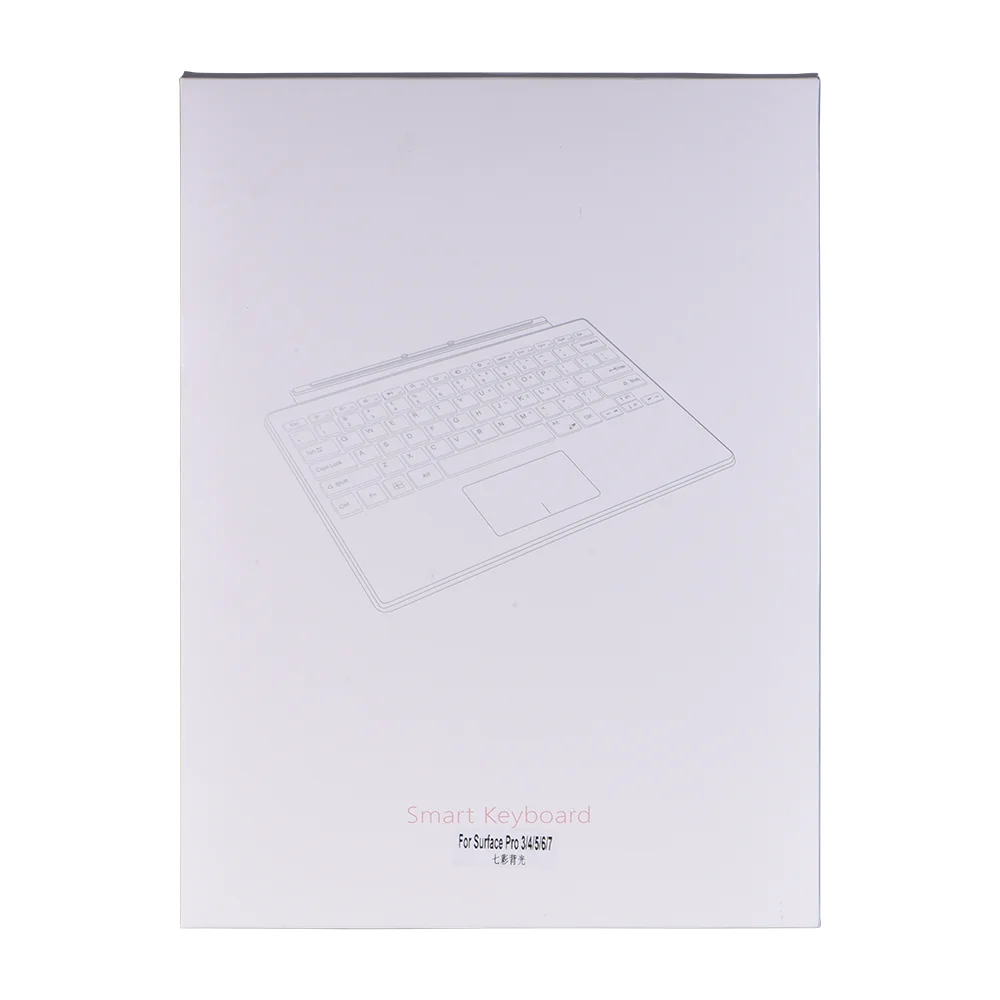
Package size: 380 * 251 * 15mm
Product weight: single gross weight 440G / net weight 280g
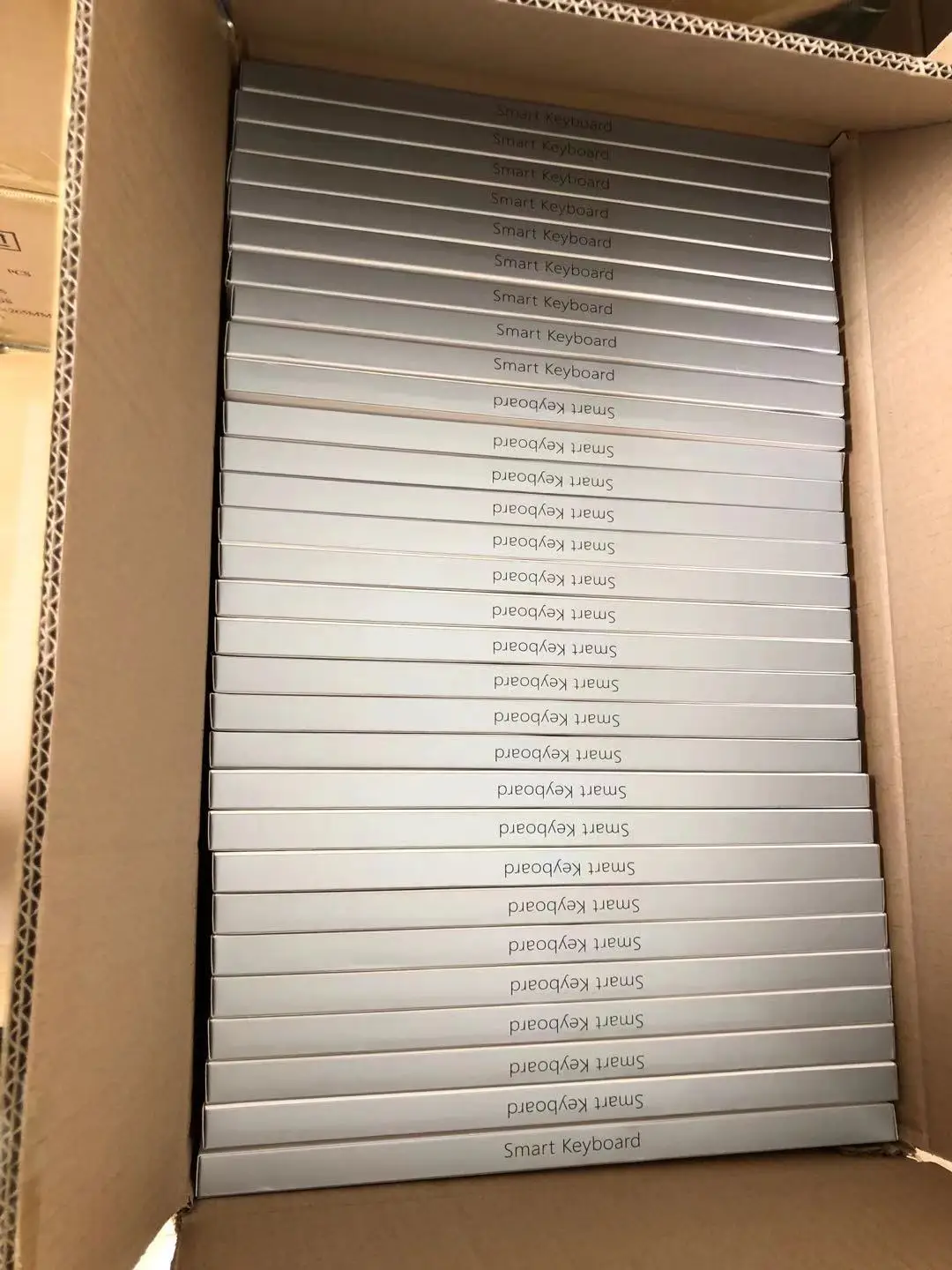
Packing information: 30 pieces in a box, the size of the box is 51.5 * 53 * 26cm
Product model and specification:
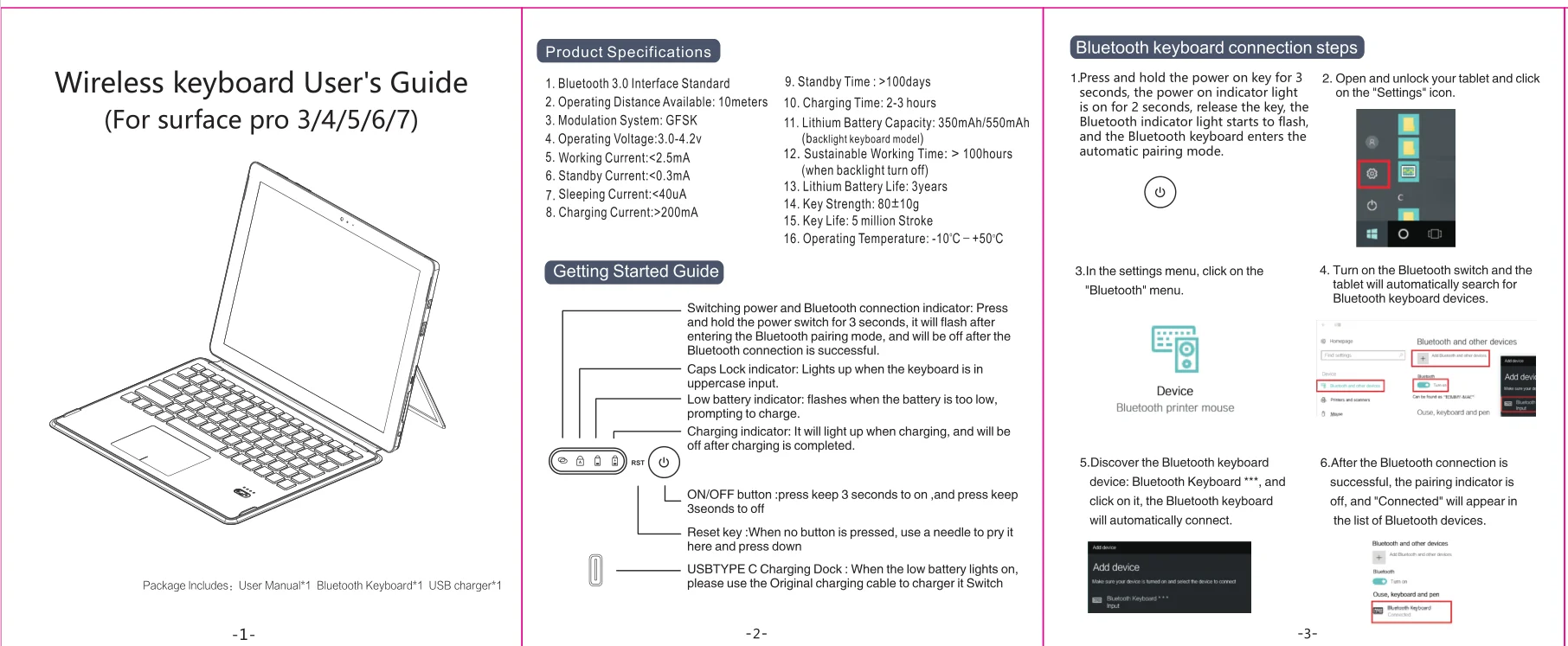
1. Bluetooth 3.0 standard interface
2. Effective operating distance: 10M
3. Modulation mode: GFSK
4. Working voltage: 3.0-4.2v
5. Working current: less than 2.5mA
6. Standby current: less than 0.3mA
7. Sleep current: less than 40ua
8. Charging current: more than550HmA
9. Standby time: more than 100 days
10. Charging time: 2-3 hours
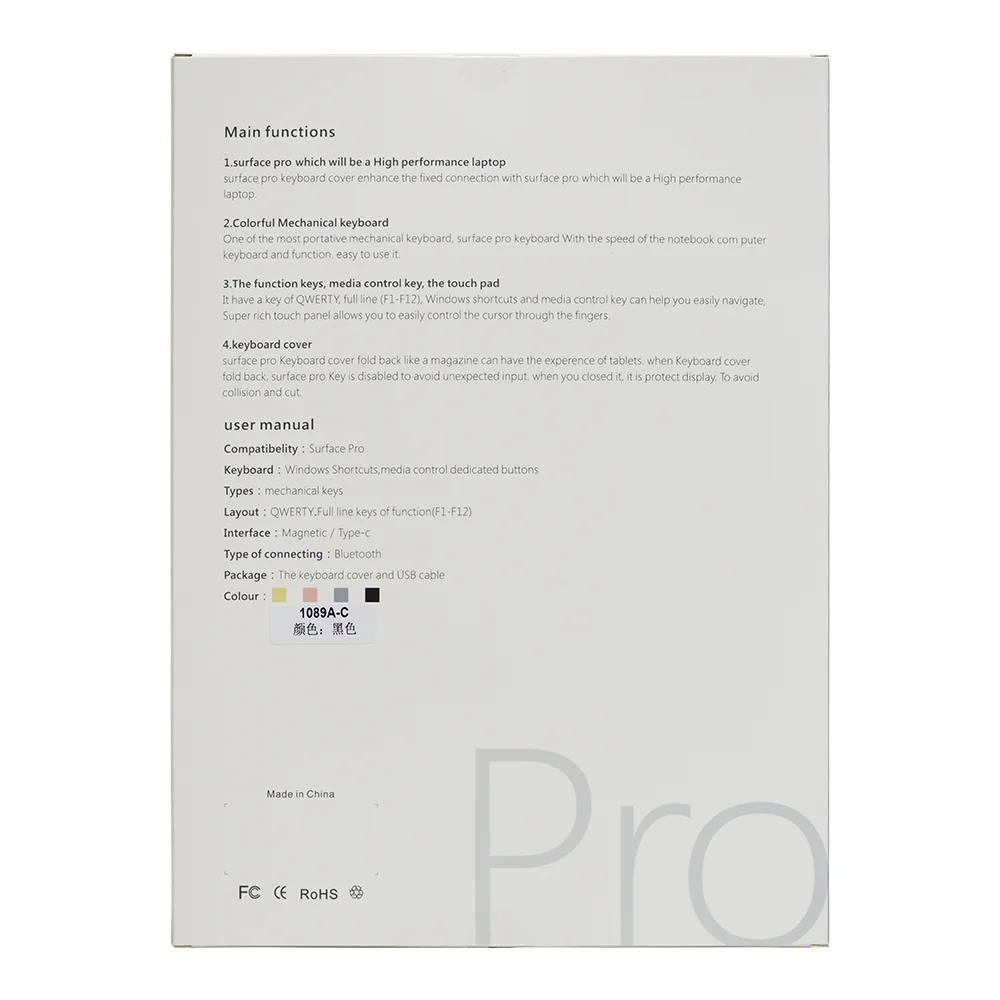
11. Lithium battery capacity: 350mah / 550mah (backlight)
12. Sustainable working hours: 35-100 hours
13. Lithium battery life: 3 years
14. Key press force: 80 ± 10g
15. Key life: 5 million clicks
16. Working temperature: - 10 - + 55 degrees
Bluetooth startup steps:
1. Turn on the Bluetooth switch on the tablet
2. Long press the power switch on the keyboard, and the power light will flash.
3. "Bluetooth keyboard" and four numbers will be displayed on the flat screen.
4. Input four numbers corresponding to the prompt on the flat screen.
5. Connect with wireless keyboard successfully.
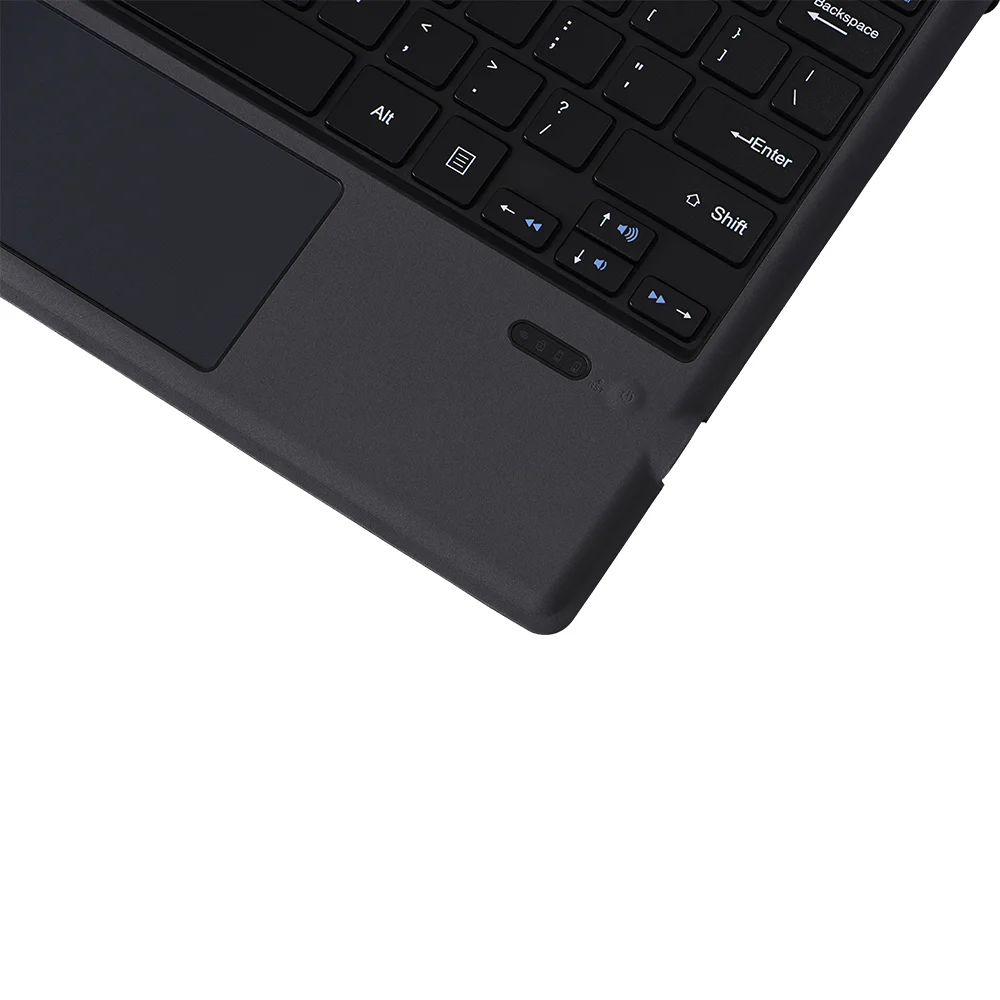
Status display LED
1. Switch on / off and Bluetooth connection indicator: after pressing for three seconds, the indicator will flash, the keyboard will enter the Bluetooth pairing mode, and it will automatically turn off after successful connection
When the keyboard is on, the case indicator is on
3. Charging indicator
4. Weak current indicator light: when the voltage is lower than 3.2V, the indicator light flashes, indicating the need to connect the charging line for charging

Slim BT 5.0 Wireless Keyboard with Touchpad Multi-Device Backlit BT Wireless Keyboard for Tablet Surface Pro3 4 5 6 7 Windows
English / For Surface pro3/4/5/6/7 / Grey|1089D
$29.99
Sale price
$29.99
Regular price
$0.00
Skip to product information

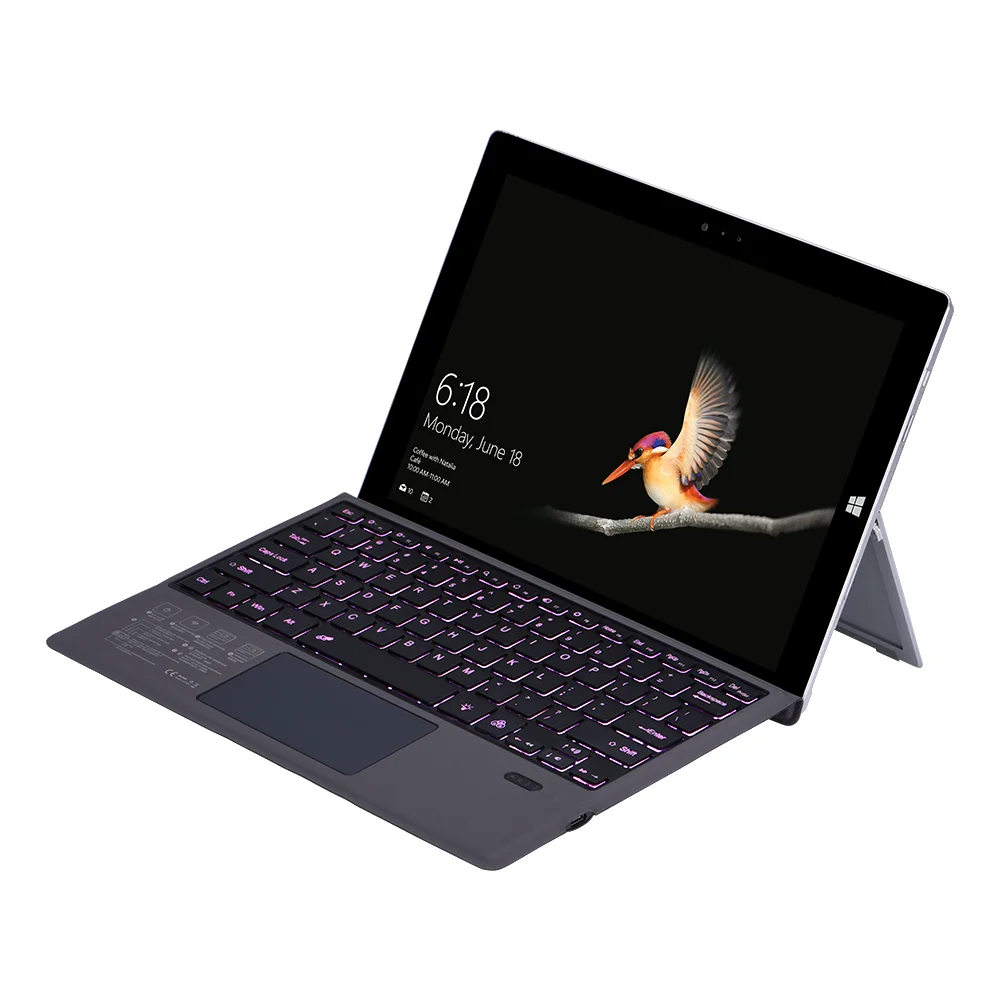
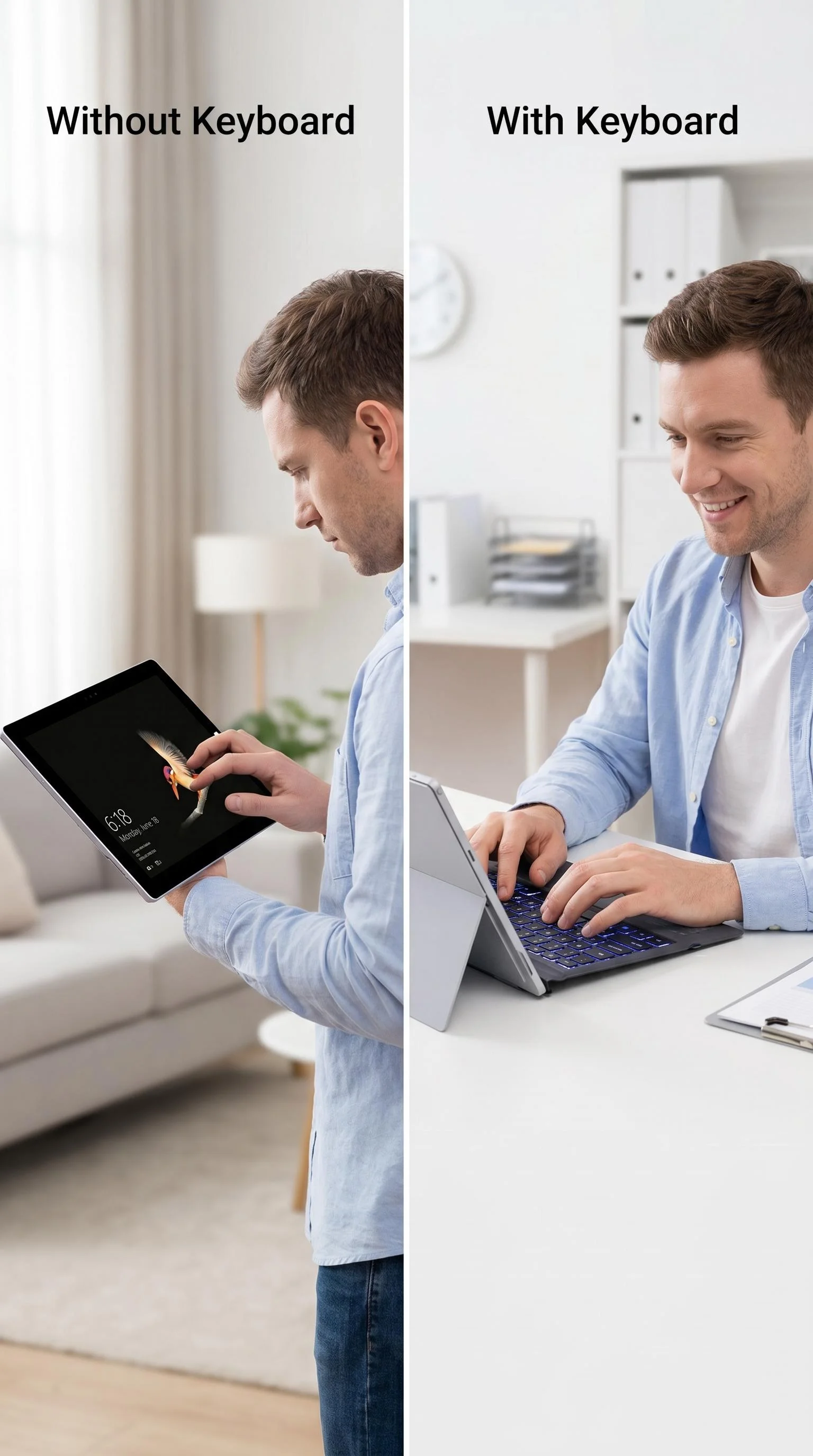
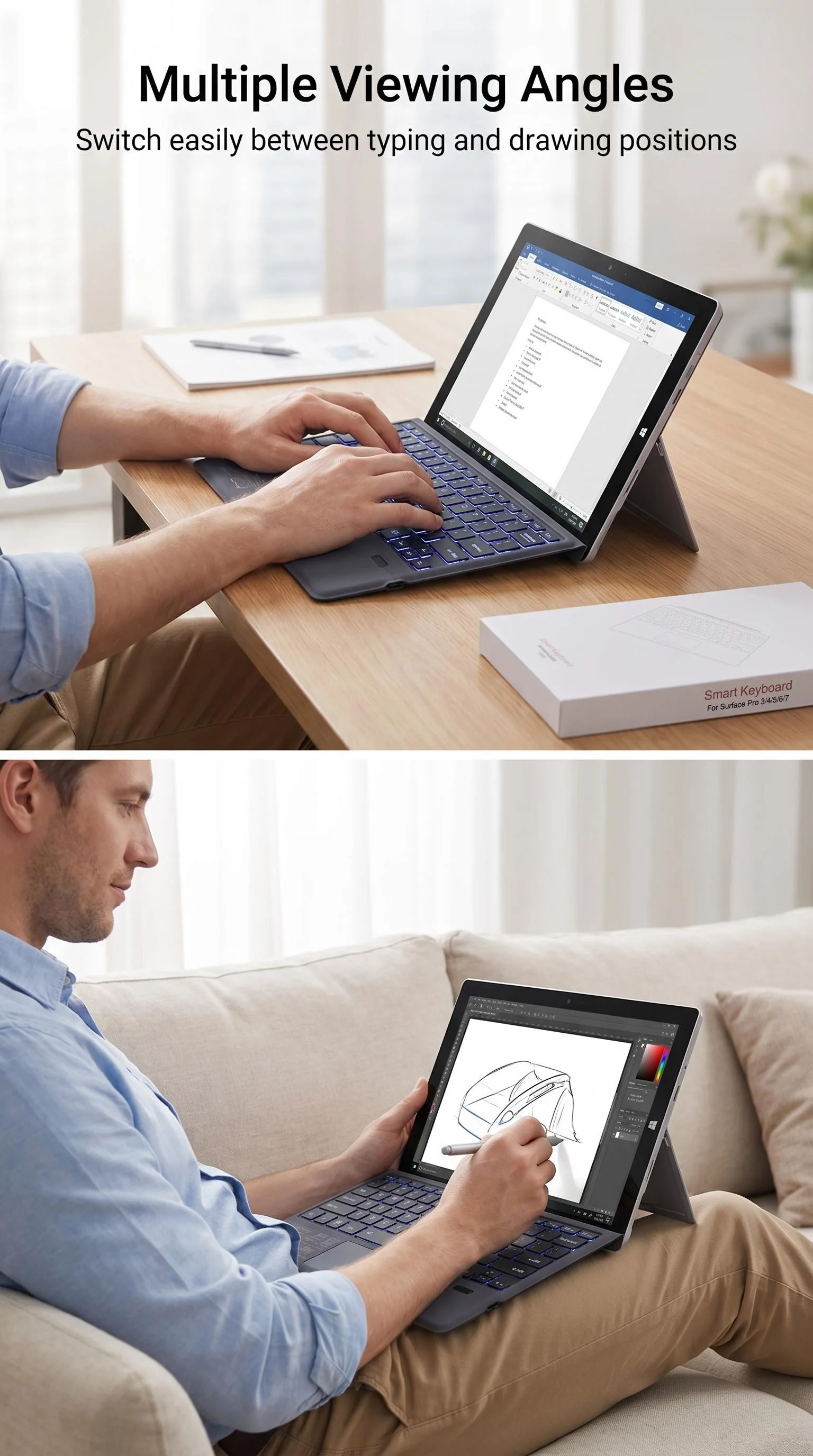
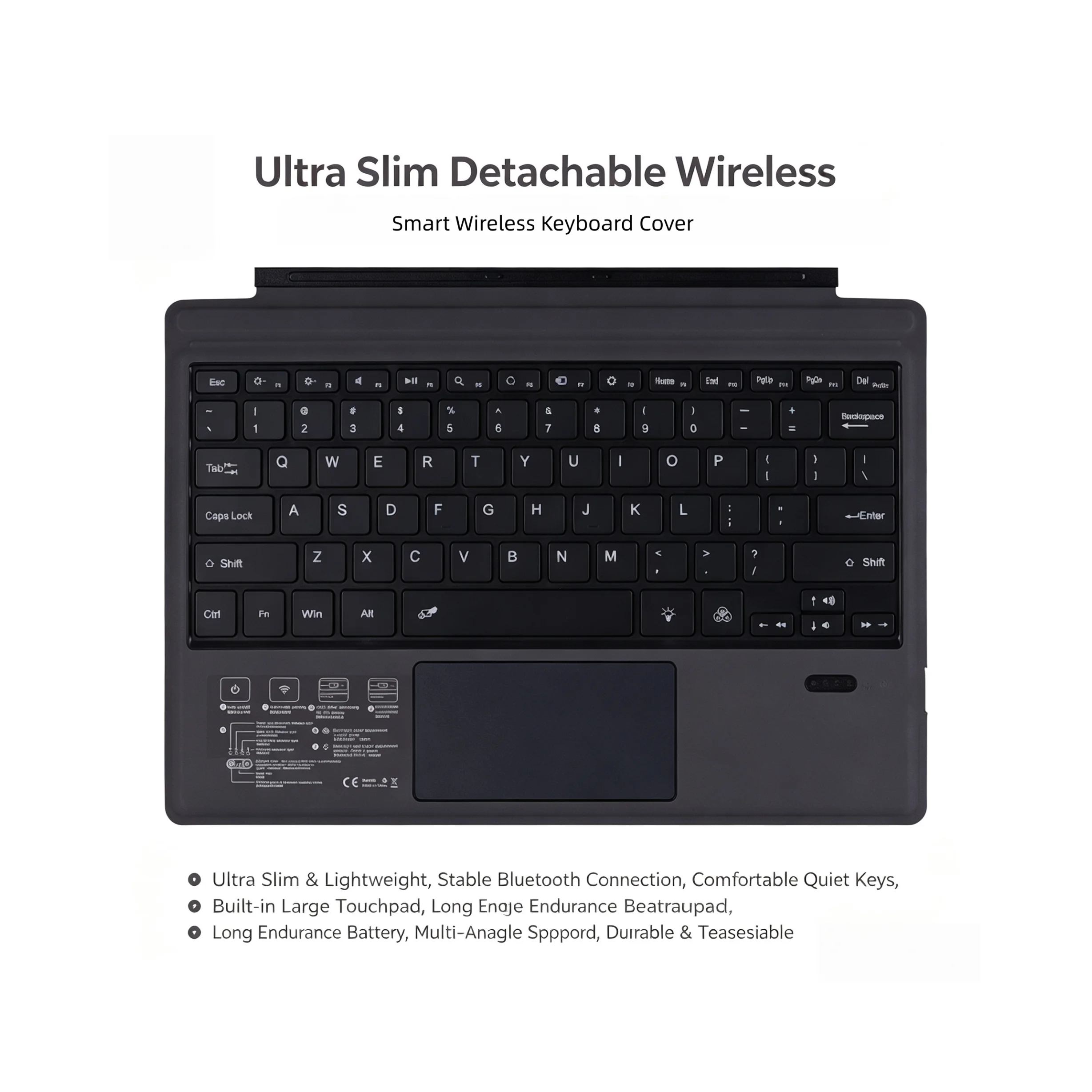
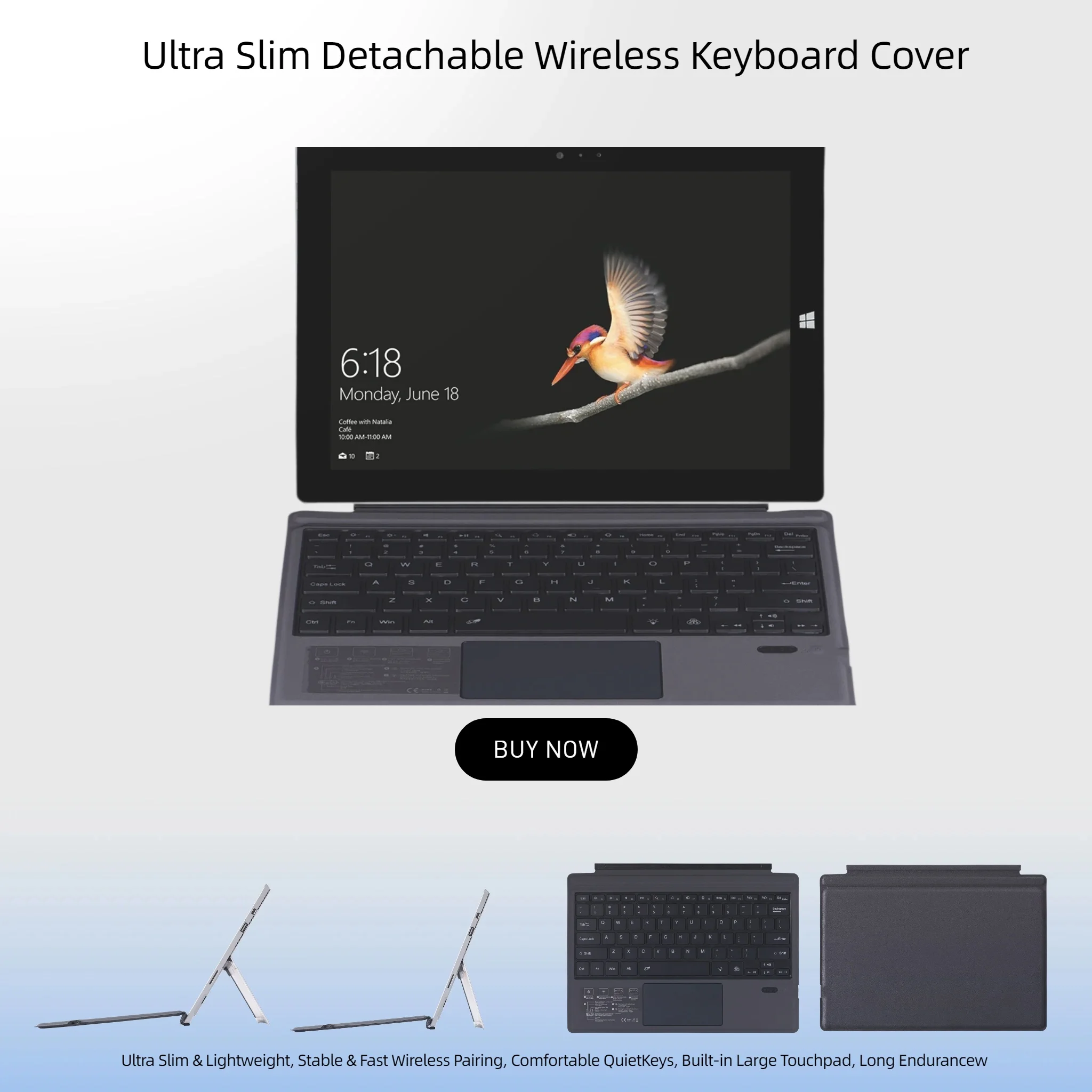

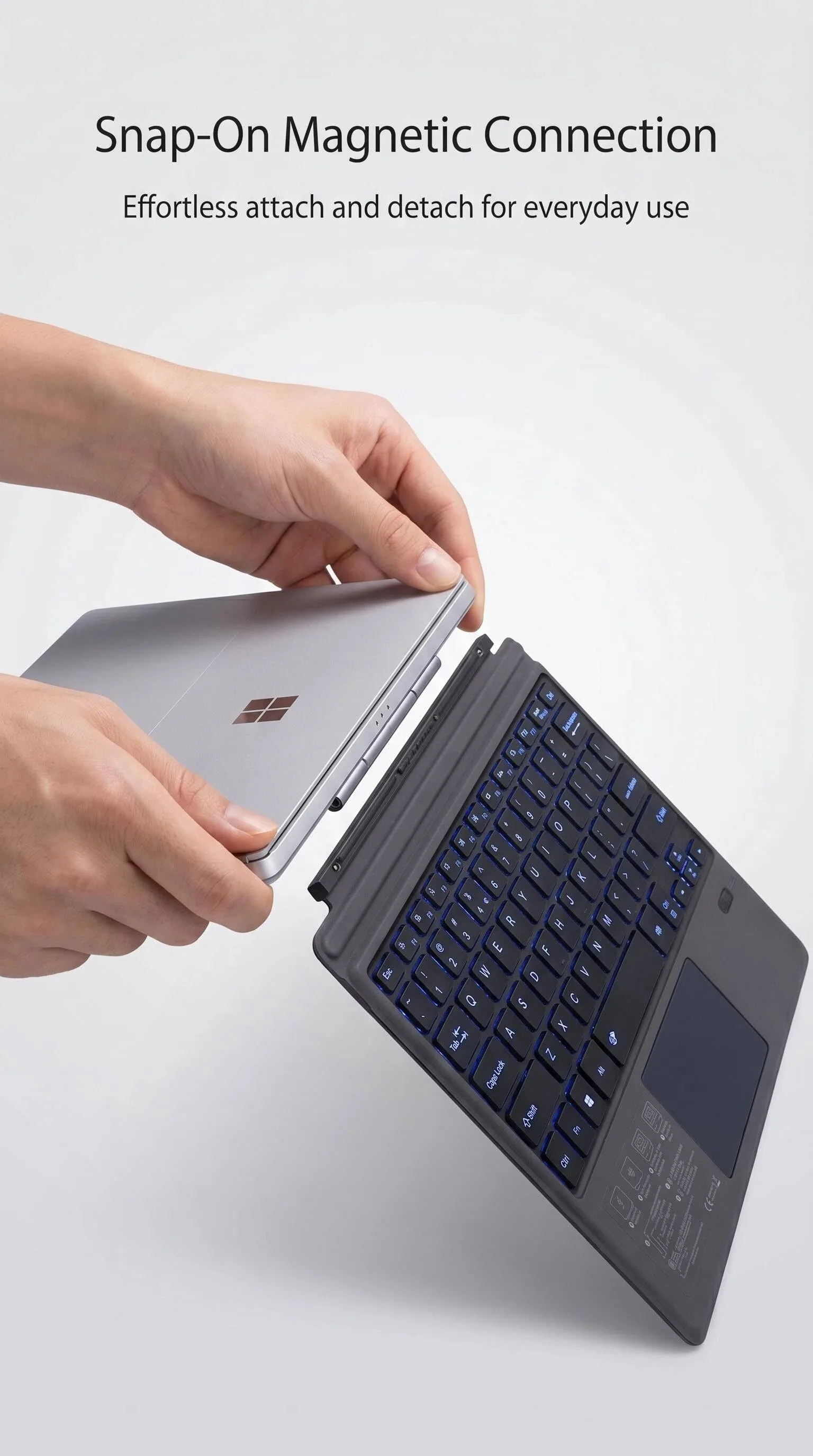
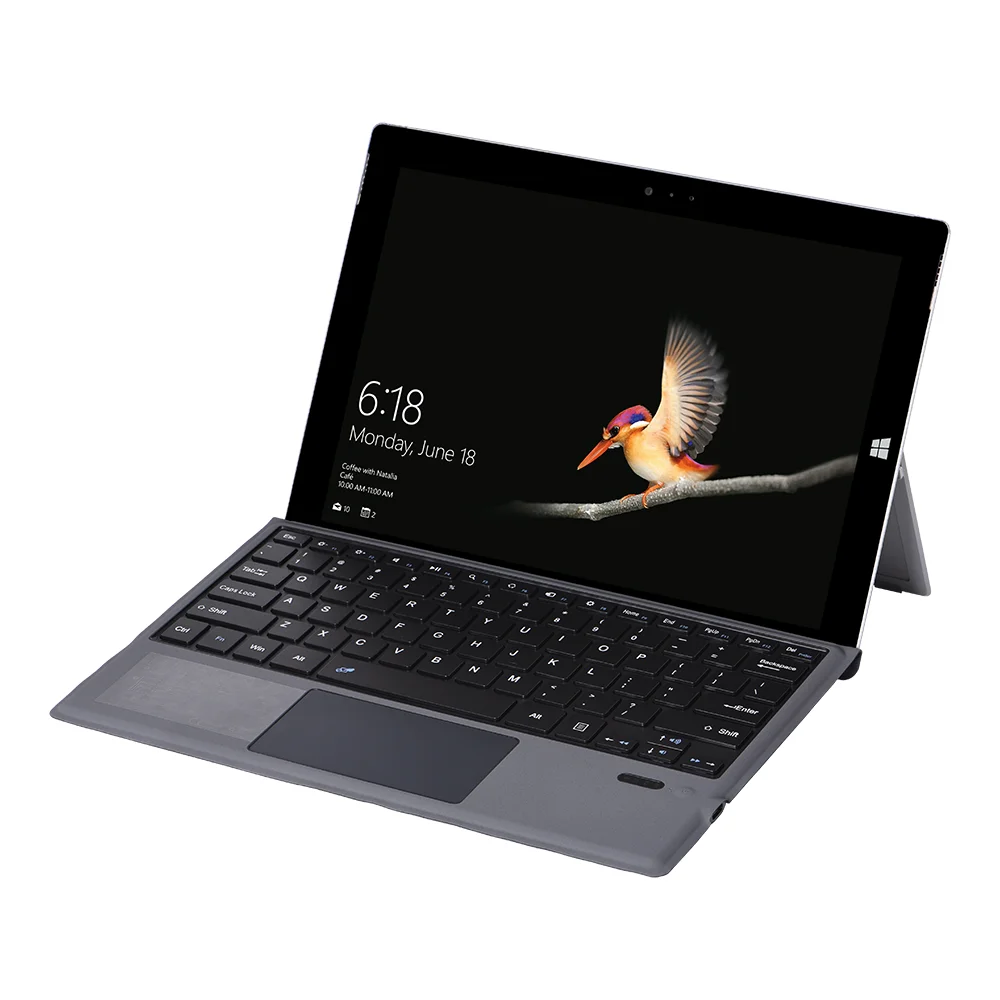
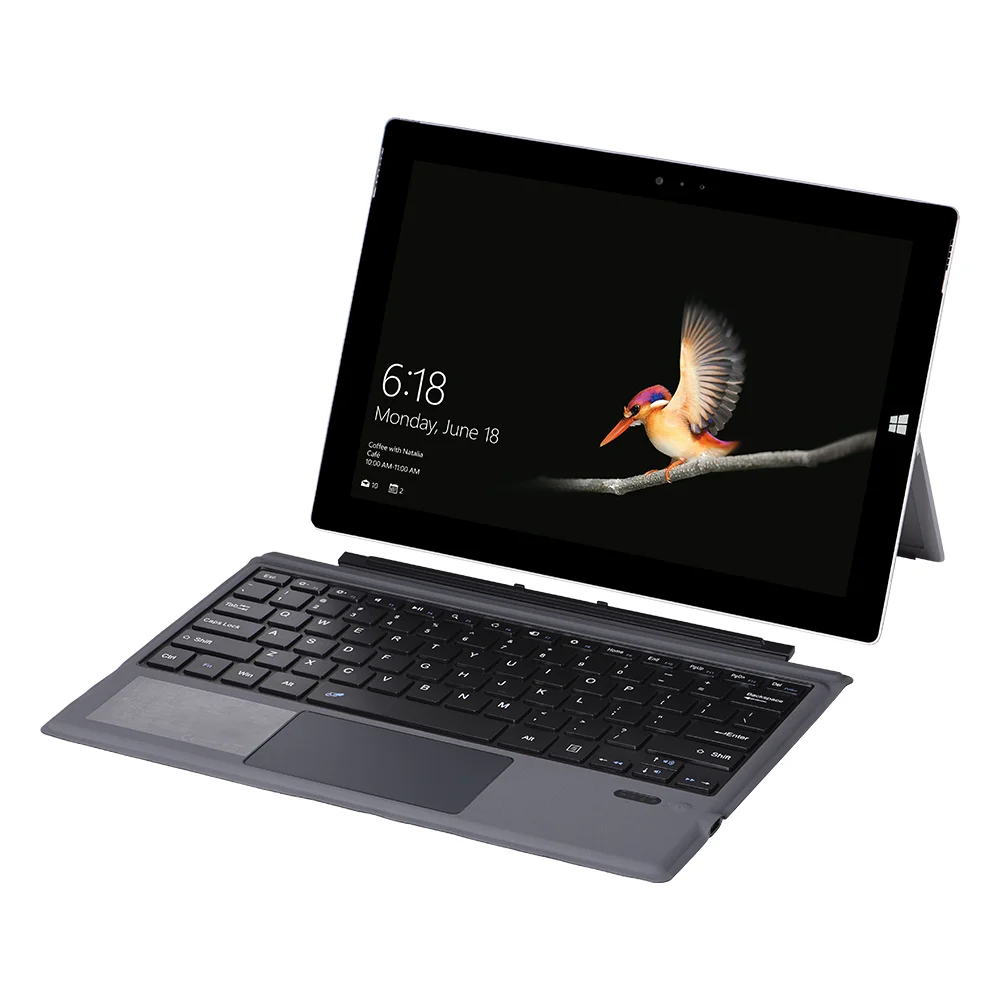




Slim BT 5.0 Wireless Keyboard with Touchpad Multi-Device Backlit BT Wireless Keyboard for Tablet Surface Pro3 4 5 6 7 Windows
$29.99
Sale price
$29.99
Regular price
$0.00
SPECIFICATIONS
Application: For Surface pro3/4/5/6/7
Charging interface: Type-c
Compatible model: Mini BT Keyboard with Touchpad
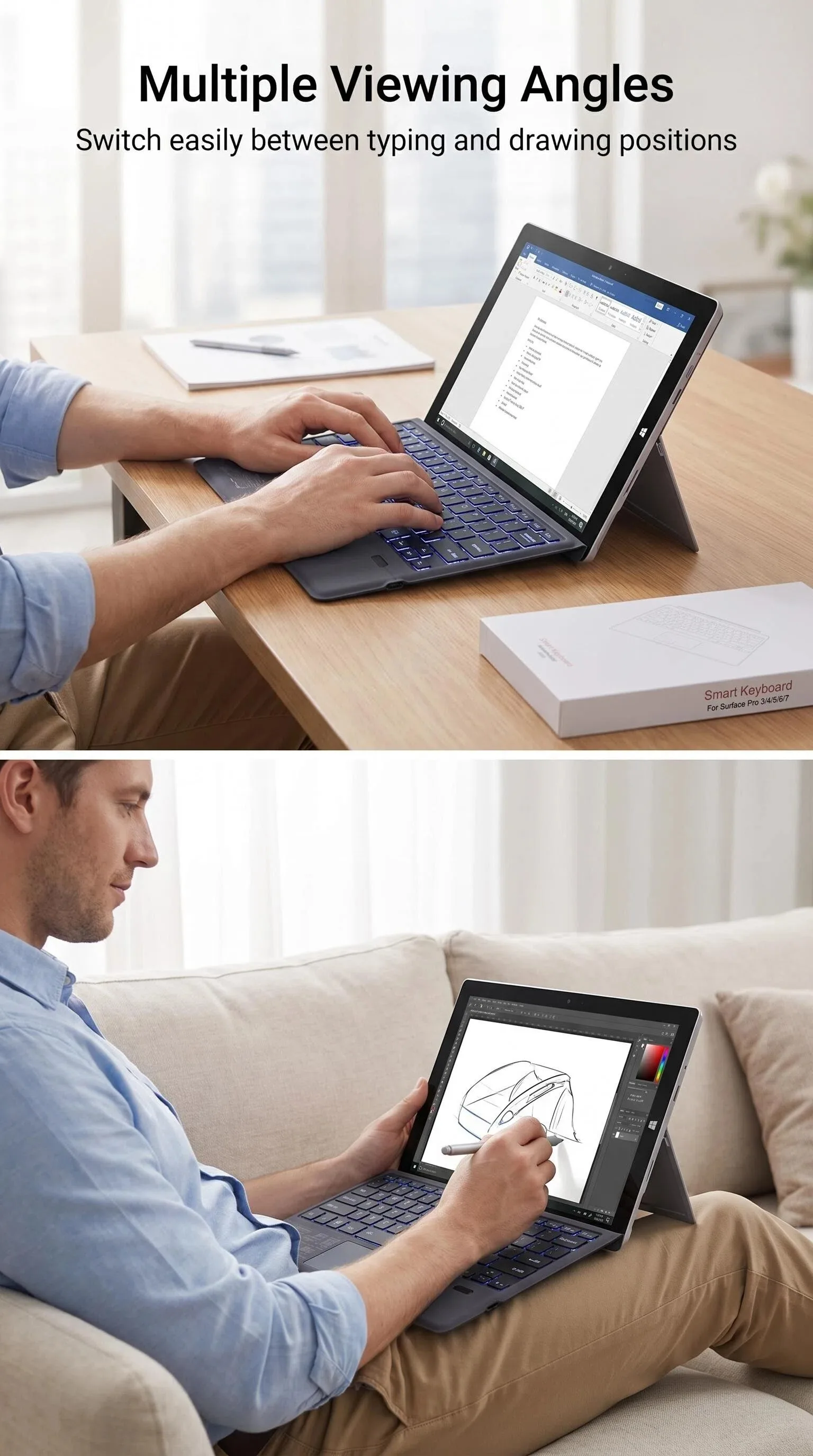
Features: Adjustable Tilt Function,Ultra Thin,Touchpad
Function: Portable BT 5.0 Keyboard
Keyboard size: 295*220*5mm
Keywords: Rechargeable BT Keyboard
Material: Super fiber material
Operation Style: Mechanical
Package size: 380*251*15mm
Packing: 30 Pieces/carton
Product name: For surface pro3/4/5/67 single keyboard
Single gross weight: 440g
brand name: neutral
drive interface: Usb Type C
full size keyboard: Yes
interface type: BT Wireless
keyboard backlit: >7-RGB
keyboard standard: 78 Keys
mechanical: No
place of origin: Shenzhen
private mold: Yes
type: wireless keyboard withtouchpad
wrist support: No
Product Description
Product Name |
Applicable model: Microsoft 12.2 inch surface Pro3 / pro4 / pro2017 / pro6 / pro7keyboard |
model |
1089D-C |
Is it backlit |
No |
Package |
Single keyboard * 1. English manual * 1, charging cable * 1, packing box * 1 |
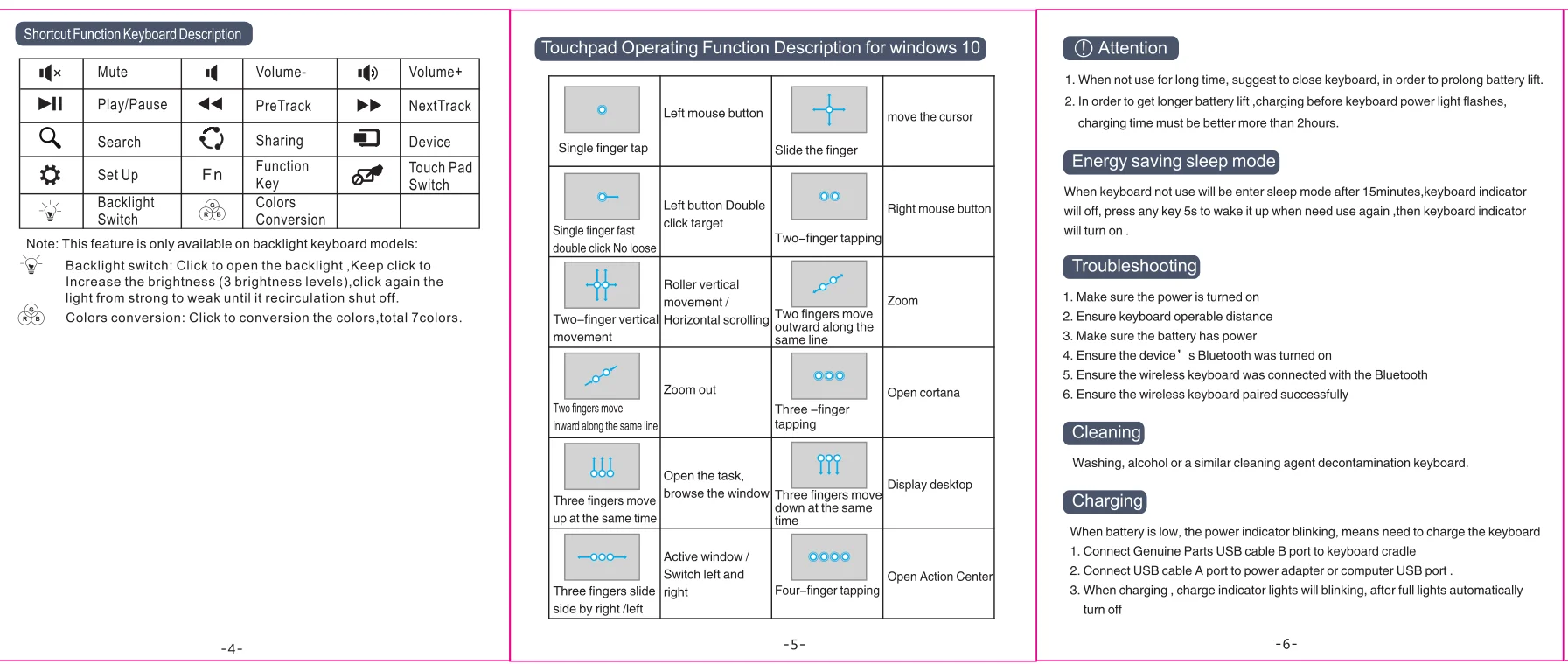
Product performance description
Details Images
Product Usage
-
Product usage introduction
Blue &tooth startup steps:
1. Turn on the Blue/tooth switch on the tablet
2. Long press the power switch on the keyboard, and the power light will flash.
3. "Blue.tooth keyboard" and four numbers will be displayed on the flat screen.
4. Input four numbers corresponding to the prompt on the flat screen.
5. Connect with wireless keyboard successfully.
Status display LED
1. Switch on / off and Blue/tooth connection indicator: after pressing for three seconds, the indicator will flash, the keyboard will enter the Blue/tooth pairing mode, and it will automatically turn off after successful connection
When the keyboard is on, the case indicator is on
3. Charging indicator
Packing&Shipping
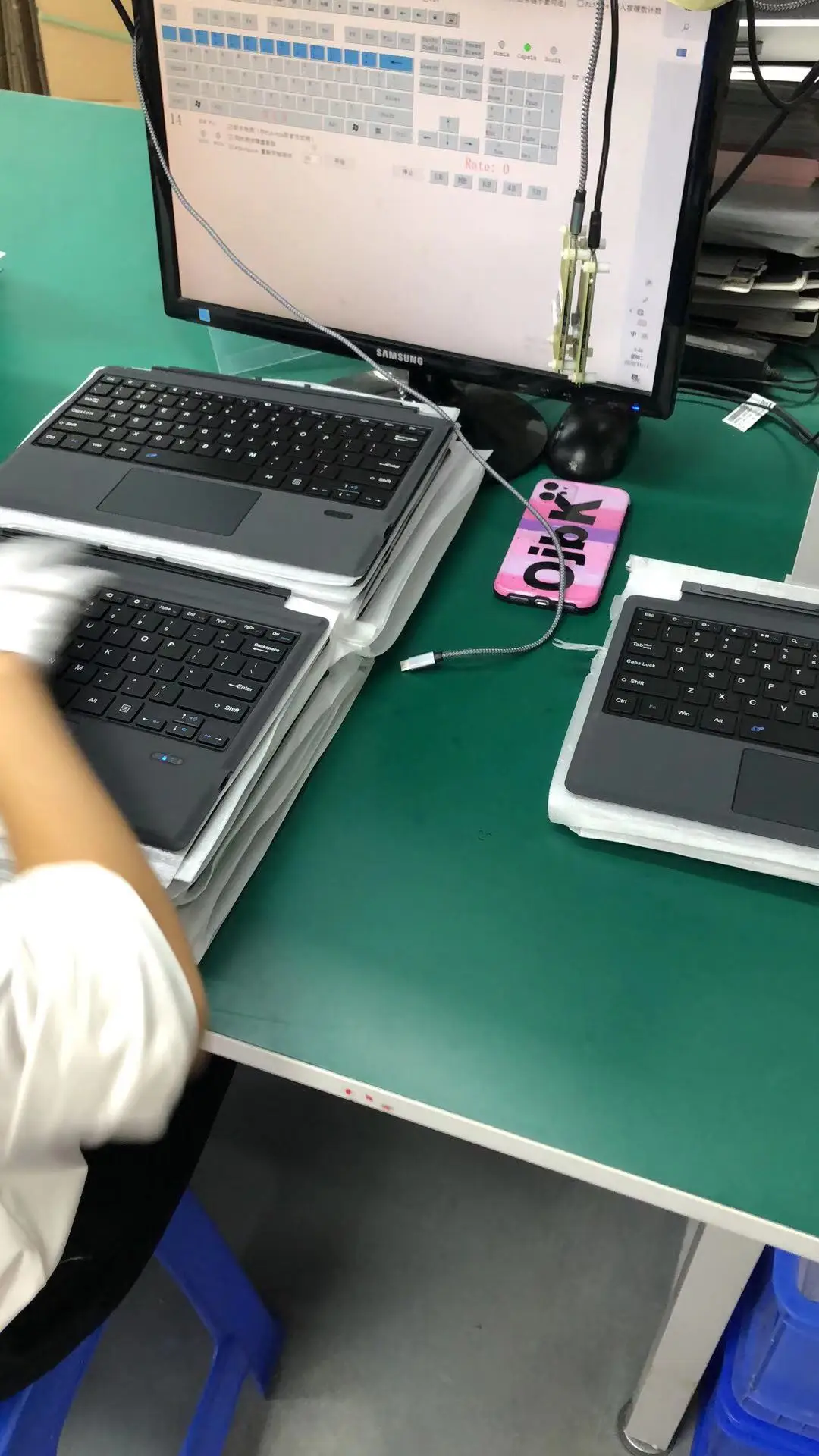
Each keyboard has its own packing box, 30 keyboards are packed in one box, and the outer box has corner protection
Company Introduction
Undertake OEM orders. The company adheres to: the good faith management idea, develops the sincere cooperation with the global colleague by the grateful mentality. Welcome friends from all walks of life to guide, visit and business negotiation! Tel: 13530695270 QQ: 2640362973 contact person: Wu Qun
Our Services & Strength
The company adheres to: the good faith management idea, develops the sincere cooperation with the global colleague by the grateful mentality.
FAQ
Liquid error (sections/custom-liquid line 1): Could not find asset snippets/judgeme_widgets.liquid