
GPS Clock Satellite Timing Electronic Clock Digital Display TIME Year Month Day Hour Minute Second Alarm Clock Typec USB Power
Default Title
$64.99
Sale price
$64.99
Regular price
$0.00
Skip to product information


GPS Clock Satellite Timing Electronic Clock Digital Display TIME Year Month Day Hour Minute Second Alarm Clock Typec USB Power
$64.99
Sale price
$64.99
Regular price
$0.00
SPECIFICATIONS
Brand Name: DykbRadio
Certification: NONE
Choice: yes
DIY Supplies: Electrical
Data Record: No
Display TIME year month day hour minute second: TYPE-C USB 5V POWER
Electronic: No
High-concerned chemical: None
Model Number: GPS/Beidou timing Electronic Clock
Origin: Mainland China
Output Voltage: TYPE-C USB 5V
Semi-finishedproduct: Yes
Size: Display TIME Alarm Clock
Style: Display TIME year month day hour minute second
Type: satellite clock
satellite clock: GPS Beidou timing Electronic Clock
semi_Choice: yes
GPS/Beidou satellite timing Electronic Clock Display TIME year, month, day, hour minute , second Alarm Clock Typec USB for Live dedicated clock
Tip: The brightness of this clock is fixed and cannot be adjusted.
Clock electrical parameters:
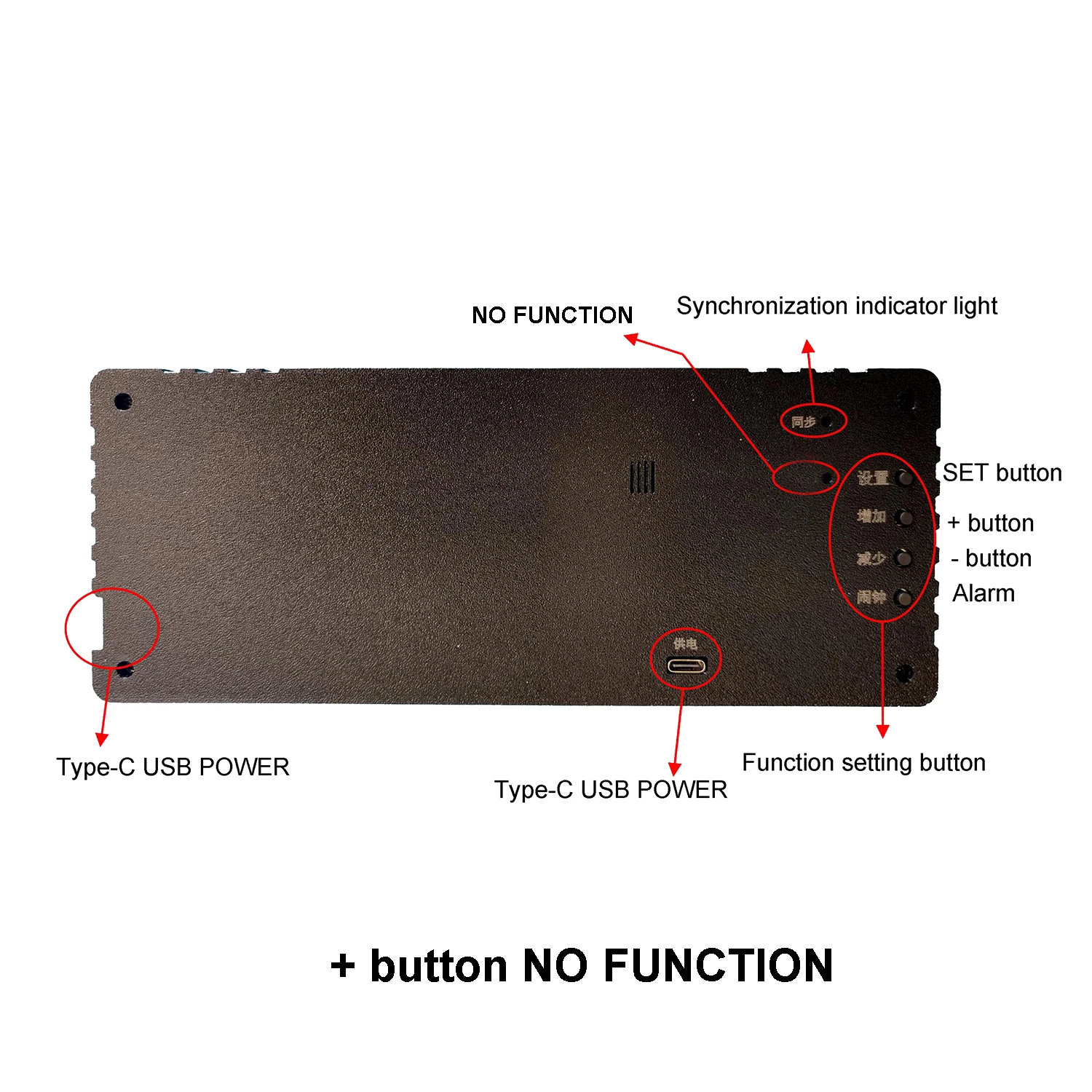
Power supply: TYPE-C USB 5V power supply, with power ports on the back or right side.
Working current: 200mA
Product Introduction:
GPS version: No need to manually set the time. The clock will automatically receive GPS or Beidou satellite calibration time when placed near the window (preferably no more than 2 meters away from the window). It can maintain accurate time in minutes and seconds during normal use, ensuring long-term accuracy.
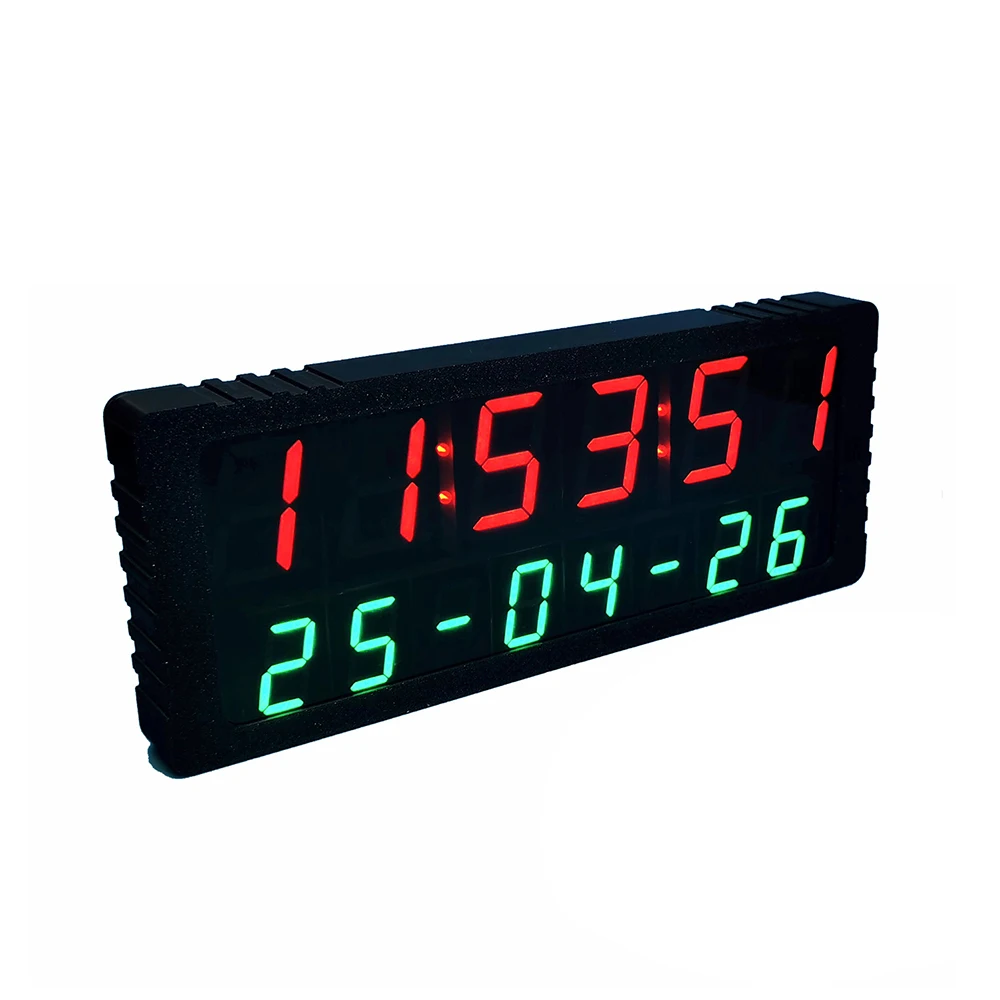
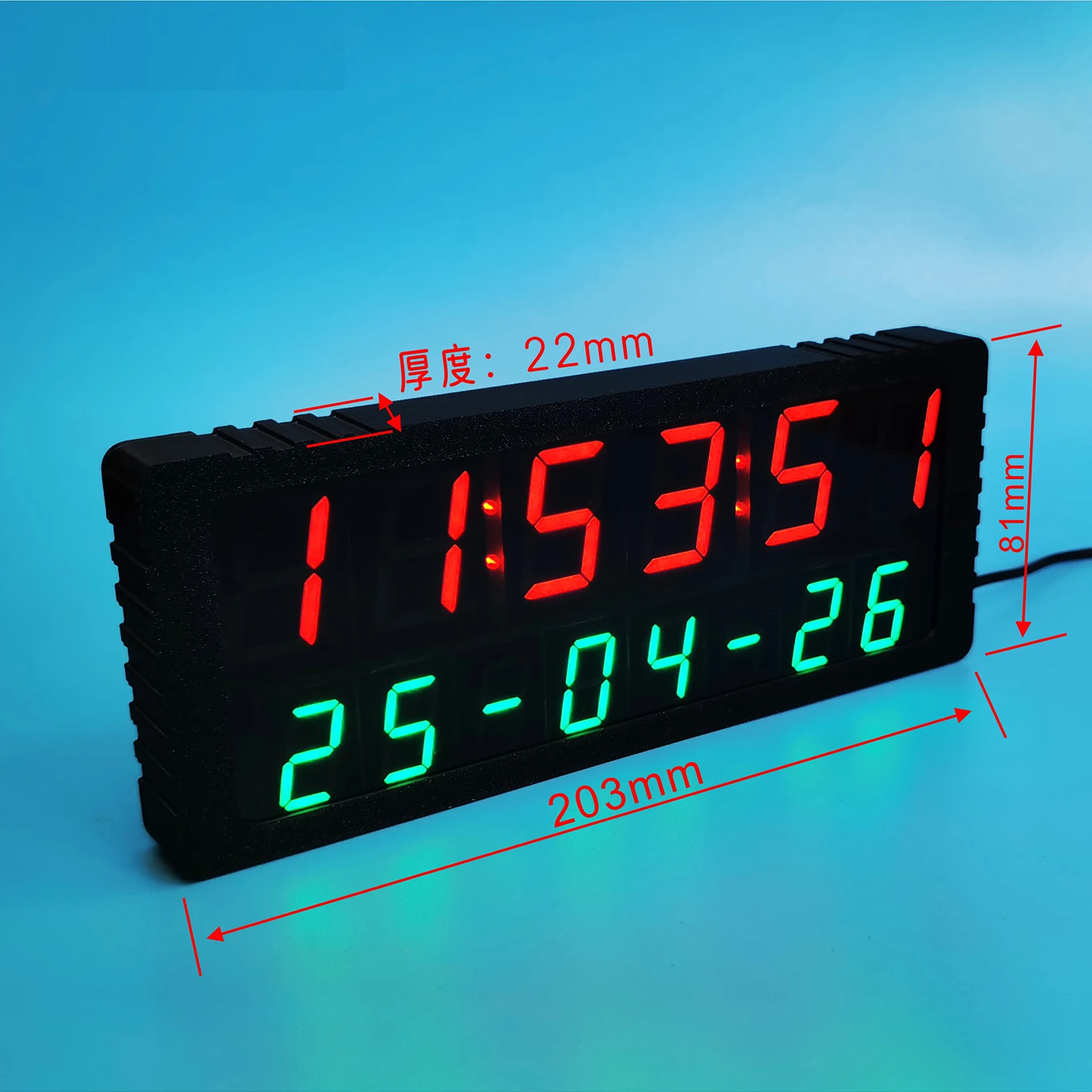
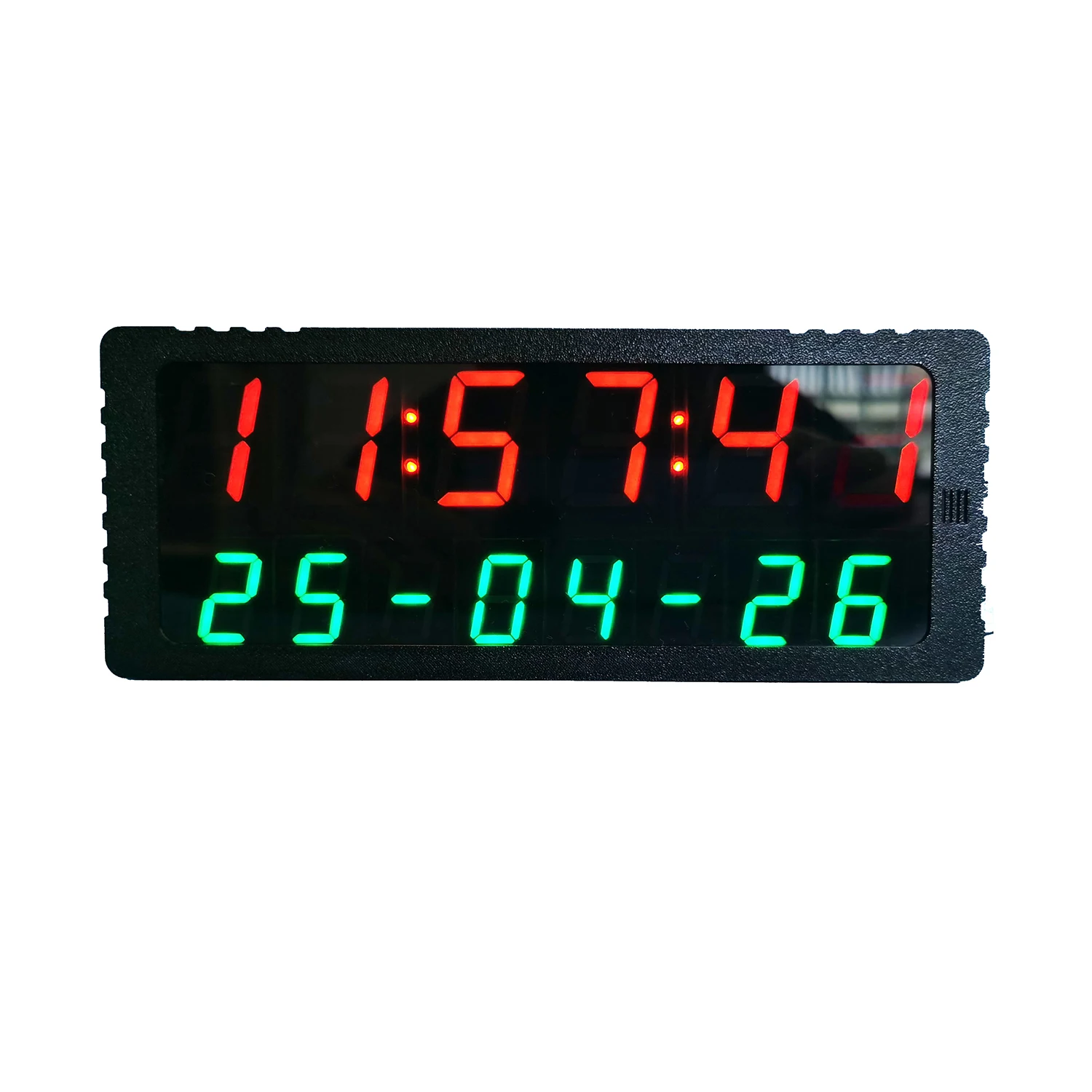
The clock displays the hour, minute, second, year, month, and day when powered on, and does not flash when taking photos or recording videos. There are three alarm clocks.
Settings button :
In normal display mode, pressing this key will enter the setting of year, date, and time. Press the settings button, and the "year" will start flashing. Press the plus and minus buttons to adjust the value. After adjustment, press the settings button again, and the "month" will start flashing. Press the plus and minus buttons to adjust the value. Then press the settings button again to enter the date adjustment, and the "day" will start flashing. After adjustment, press the settings button again, and the "minute" will start flashing. After adjustment, press the settings button, and the "second" will flash. Press the up button to reset. Finally, press the settings button to save all data and return to the normal display state. 【 Tip 】 This clock has GPS automatic time synchronization function. Place the clock near the window to automatically obtain accurate time without manual adjustment. 【 Tip 】.
+ button : No function
- button :
BP: Alarm clock ringing switch, BP: 0 to turn off the alarm clock ringing, BP: 1 to turn on the alarm clock ringing. 【 Tip: When the alarm clock is ringing, you can press any key to mute it 】
FF: 12 hour or 24-hour display setting options. FF: 12 is a 12 hour display, FF: 24 is a 24-hour display. After adjusting this parameter, press the decrease key once to exit the settings and save.
EE: Time zone setting, such as setting EE: 8 for China. EE: 8 is Beijing time For overseas use, please set it correctly according to the time zone of your location Note: This function only takes effect when the synchronization light is on
alarm clock
In normal display mode, pressing the alarm button will adjust the alarm time. This electronic clock has 3 sets of alarms. When adjusting, pay attention to the A1, A2, and A3 displayed below the electronic clock. Representing 1.2 3 . Set alarm clock.
Tip: If you only want to ring the alarm clock once a day, you can set all three sets of alarms 1, 2, and 3 to the same value, which is equivalent to using only one set of alarms, that is, only ringing the alarm clock once a day
Liquid error (sections/custom-liquid line 1): Could not find asset snippets/judgeme_widgets.liquid