
Ambilight For Tv 5V Usb Rgbic 5 3.8M App Control Tv Backlight With Camera Sync To Screen Tv Ambient Light Smart Led Strip For TV
3.8M-149.60inch / China Mainland
$39.99
Sale price
$39.99
Regular price
$0.00
Skip to product information

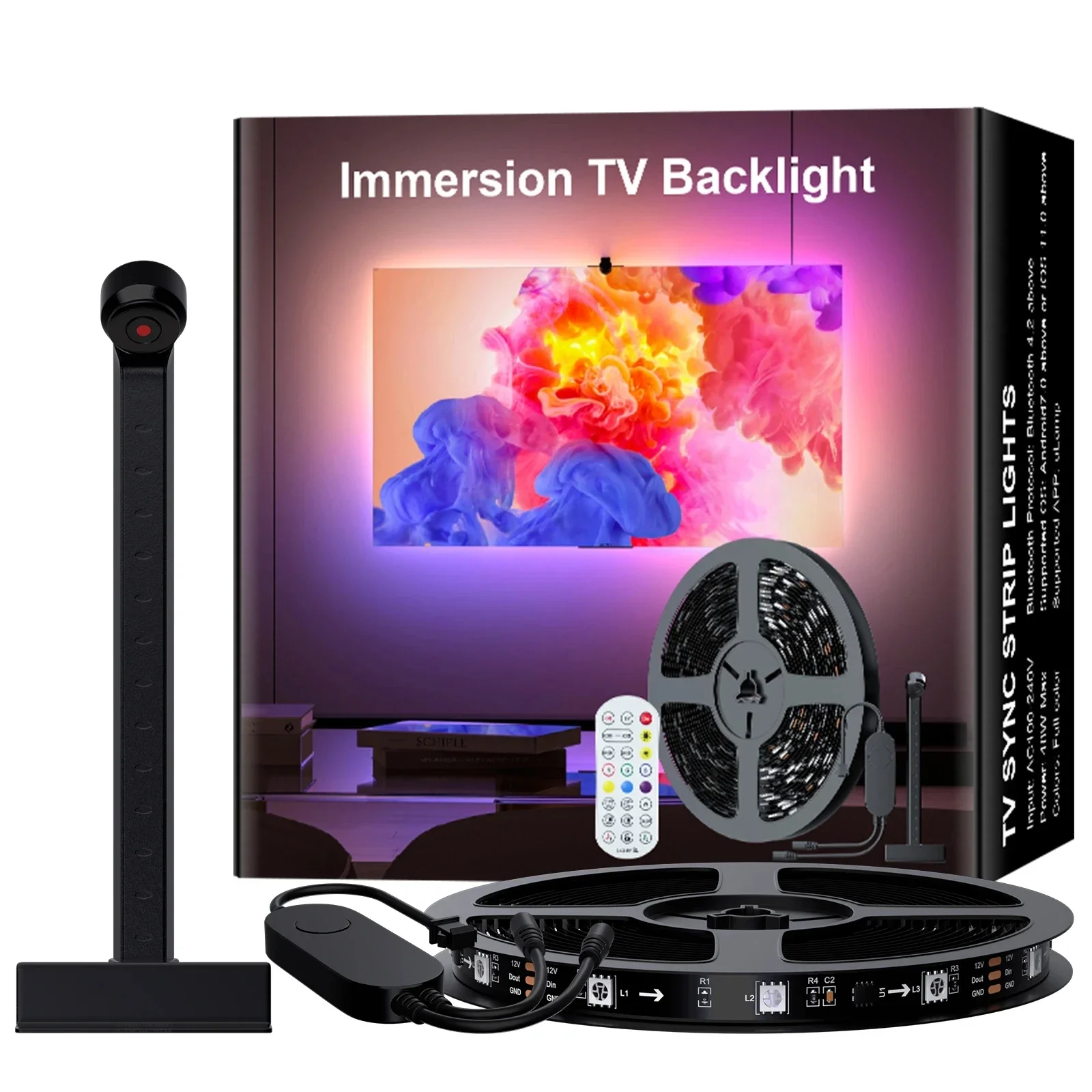
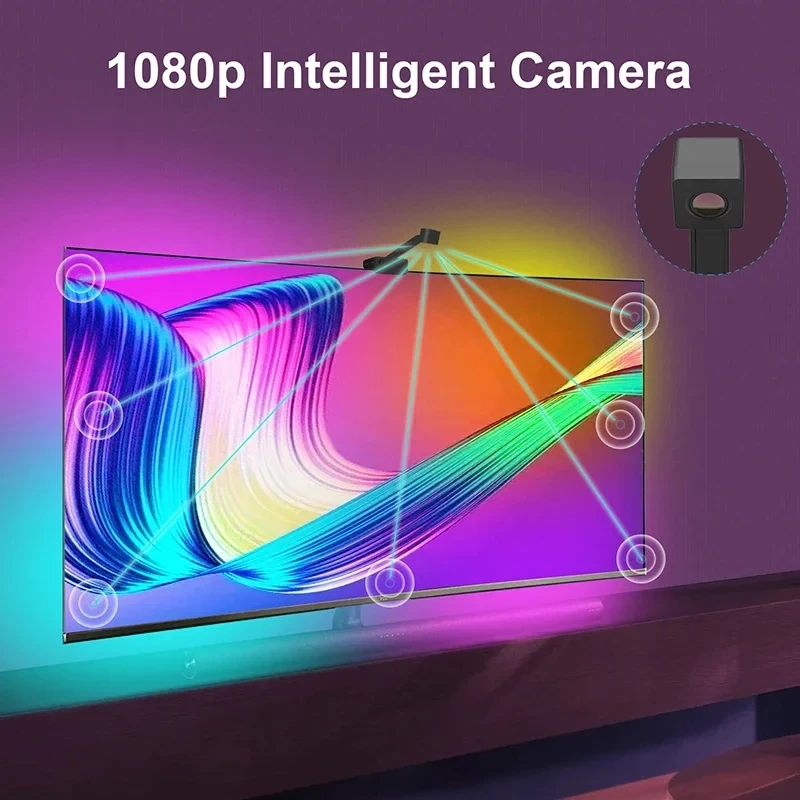
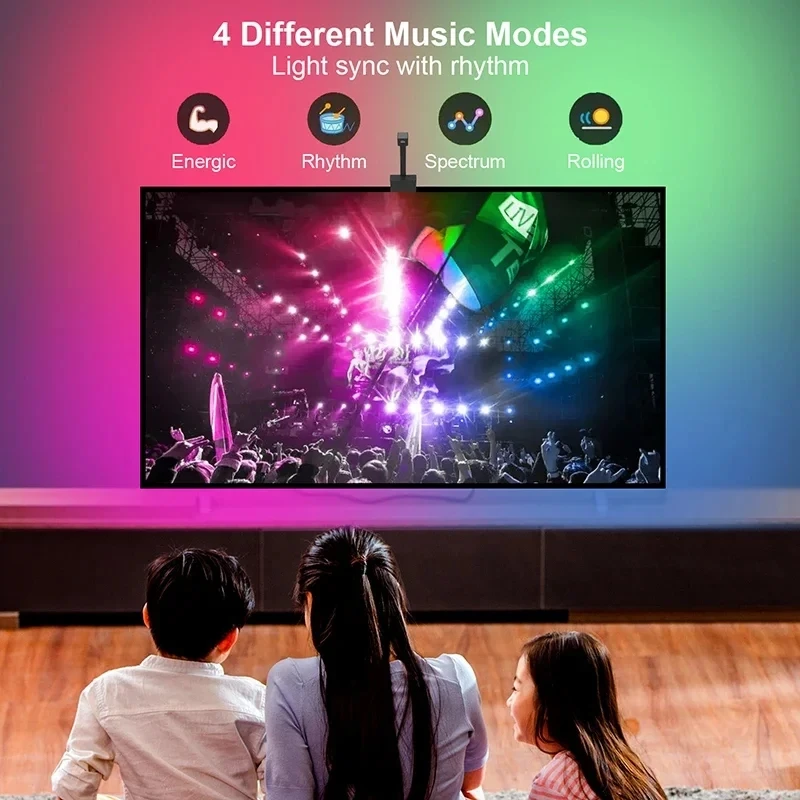
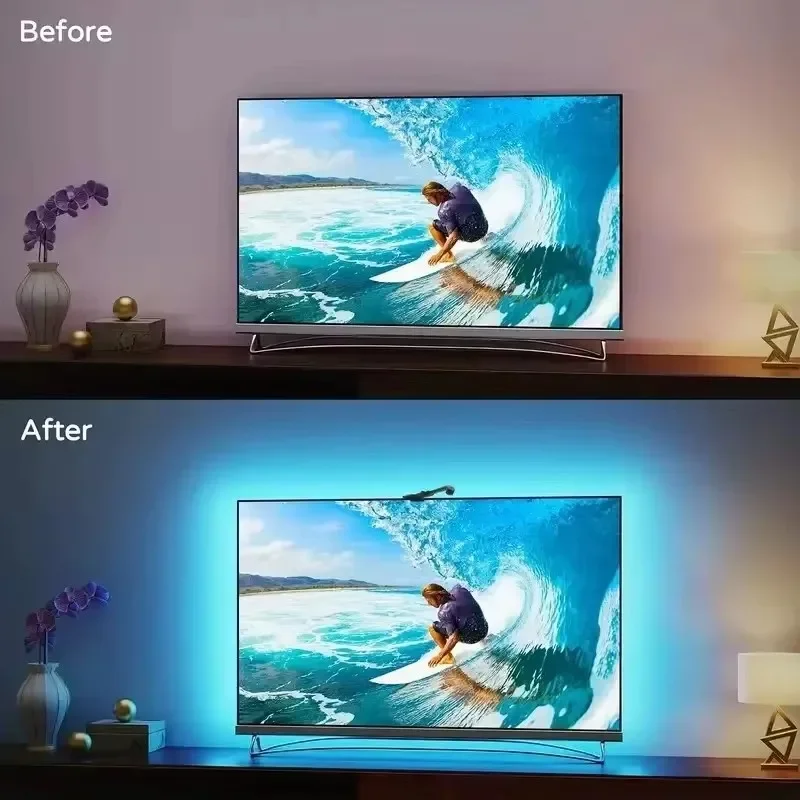


Ambilight For Tv 5V Usb Rgbic 5 3.8M App Control Tv Backlight With Camera Sync To Screen Tv Ambient Light Smart Led Strip For TV
$39.99
Sale price
$39.99
Regular price
$0.00
SPECIFICATIONS
Average Life (hrs): 50000
Brand Name: NIMIMOON
Certification: ce
Color Temp(K): Festoon Led Light Rgb Tape Led Lights For Room Decoration Outdoor
High-concerned chemical: None
Is Batteries Included: no
Is Smart Device: Yes
Item Type: Strip
LED Chip Brand: Epistar
LED Chip Model: SMD5050
LEDs Number/M: Decoration Bedroom Kitchen Led Light Garlands Tv Backlight
Luminous Flux: <60
Model Number: Led lights for room Usb Led Light Led Strip Christmas Lights
Nominal Voltage: 5V
Origin: Mainland China
Power Consumption (W/m): 2.88W/m
Power Generation: Always On
Power Source: DC
Specifications (light beads / m): 30 LEDs
Strip type: SMD
Voltage: 5V
Waterproof: No
Specification
Application: TV LED backlight Bluetooth APP with camera(uLamp APP)
Input voltage:USB 5 (V)
LED lamp bead model: 5050
Chip model:WS2811 RGBIC
Number of LED lamp beads: 30 (pieces/meter)
Single lamp bead lumens: 14(lm)
Beam angle: 120 (degrees)
Color temperature: RGB-IC
Waterproof grade:IP20 Non-waterproof
Applicable size:3.8 meters suitable for 55-56 inches,5 meters suitable for 65-75 inches
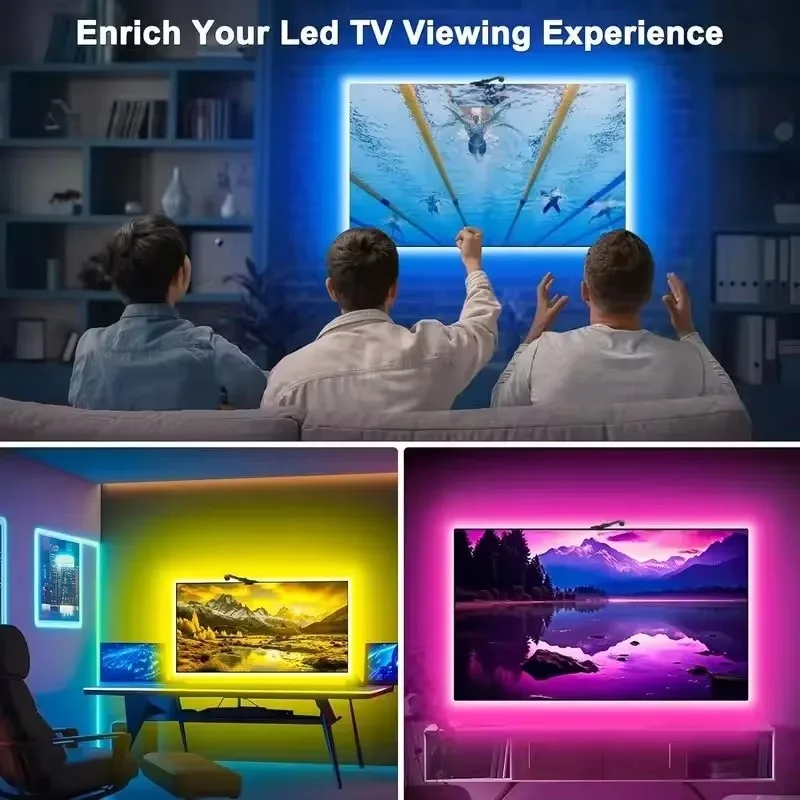
Features: TV screen synchronization intelligence (lights follow the TV screen display color automatically synchronize color)
Battery: No Battery ( CR2025)
Installation Step Instructions
1. Connect the light strip and camera
2. Turn on Bluetooth on your phone
3. Use your mobile phone to scan the QR code on the controller
4.Download APP
5. Open the APP and click "+" in the upper left corner to connect the device
Liquid error (sections/custom-liquid line 1): Could not find asset snippets/judgeme_widgets.liquid